Video editing
Video export settings that match the job
Export settings are a set of trade-offs. Choose them from the destination and the content, not from a single “best quality” habit.
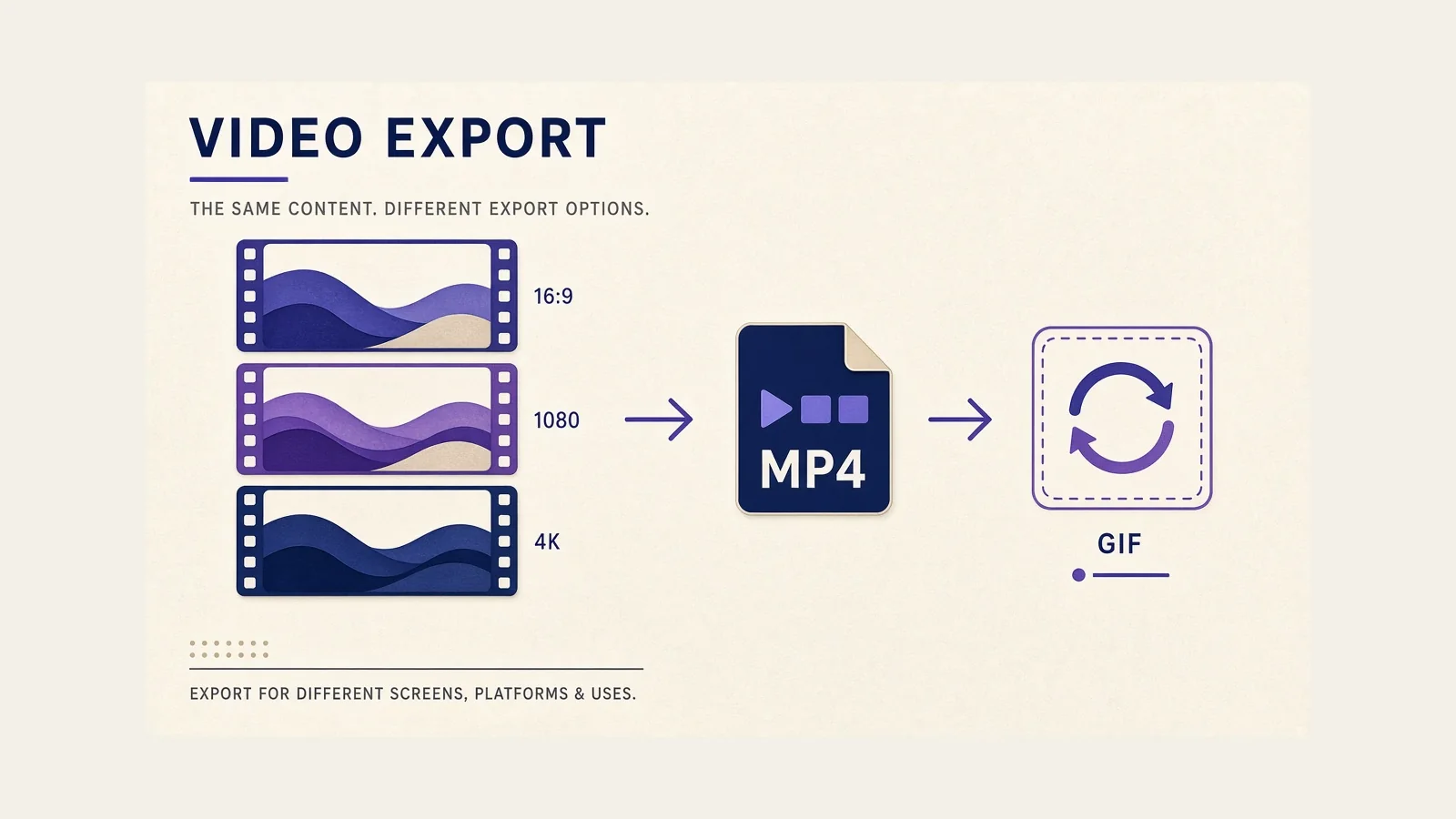
There is no universal export preset for every screen video. The notes below explain the levers. They are not a promise that one combination will look right in every player.
Resolution
Resolution is the pixel size of the finished file. Common targets are 1280×720, 1920×1080, and 3840×2160 (4K). Higher resolution keeps small UI sharper when someone plays the file fullscreen. It also makes larger files and, in many apps, longer encodes.
Official Screen Studio export notes say a 4K export can take about four times as long as an HD export of the same project. They also ask a useful question: do you need 4K if the audience is on phones or on a platform that will recompress the file anyway?
For most course players, docs, and Slack-style sharing, 1080p is a practical ceiling. Use 4K when the recording will be cropped later or shown on a large display where 10-point UI must stay crisp.
Frame rate
Frame rate is how many pictures you store each second. 24 and 30 fps are common for talking and simple UI. 60 fps can make cursor motion and scrolling look smoother. It also stores more frames, which raises file size and encode time.
Screen Studio’s official export guide lists 24, 30, and 60 fps among the options people consider, and notes that 60 fps is more useful for high-motion work. A settings tour with little motion rarely benefits from 60 fps enough to justify the extra data.
Match the rate you captured when you can. Converting 30 fps footage to 60 fps does not invent real motion; it only stores more similar frames.
Aspect ratio
Aspect ratio is the shape of the frame. 16:9 fits most course and browser players. 1:1 and 9:16 exist because some social surfaces crop anything else. A demo that was planned for a wide window can lose important chrome if you later force it into a vertical frame.
If you know the destination is vertical, record with that crop in mind or use an editor that can re-aim zooms for the new shape. Screen Studio’s official materials describe switching aspect ratio after capture, with zooms and layouts adjusting. Still preview the result. A tall frame will hide the left and right of a wide app.
Compression
Compression reduces file size by discarding information that the encoder hopes you will not miss. In many export dialogs this control is labeled quality. Higher quality usually means less compression and a larger file.
Official Screen Studio notes say the compression level does not drive export time the way resolution, frame rate, and file format do. That is a useful distinction: you can often choose a higher quality setting without waiting much longer, but you will still pay in disk space.
Screen recordings compress differently from camera footage. Flat color and sharp edges can show banding or muddy text if the bitrate is too low. If labels look soft, raise quality before you jump to 4K.
File size
File size is the bill you pay for the choices above. A two-minute 1080p 30 fps MP4 can stay small enough for email. The same timeline at 4K 60 fps may be awkward to attach and slow to upload.
GIF files are a special case. Official Screen Studio export guidance recommends GIF for short loops and advises against GIFs longer than about a minute because export time and file size rise quickly. For anything you expect someone to watch as a video, MP4 is the usual format in that app.
Quality considerations
Quality is not only sharpness. It is whether the voice is clean, the picture is stable, and the file plays where you send it. A slightly softer 1080p file that starts instantly can be a better product than a huge 4K file that stalls.
- Documentation embeds: favor smaller 1080p or 720p MP4 files.
- Course platforms: 1080p at 30 fps is a common, durable starting point.
- Internal chat: consider 720p if people are on cellular networks.
- Archive masters: keep a higher-quality copy if you will recut later.
After export, open the file on another device. If type fails, you may need a zoom in the edit, not a larger export. Continue with editing basics or the Screen Studio feature notes.